Samsung Refrigerator Error Code 0F: Temperature Sensor Error
If your Samsung refrigerator suddenly shows Error Code 0F, it’s signaling a temperature sensor error—specifically in the refrigerator compartment. This small sensor plays a big role in keeping your food at a safe and consistent temperature, and when it fails or malfunctions, you might notice warm spots, overcooling, or inconsistent performance.
In this guide, you’ll learn:
What causes Error Code 0F in Samsung fridges
How to perform basic troubleshooting at home
When it’s time to call a professional for a fast repair
What Does Error Code 0F Mean?
Samsung refrigerators use built-in diagnostic codes to help pinpoint issues. The 0F error appears when the main control board stops receiving proper readings from the refrigerator temperature sensor.
Without accurate readings, the fridge can’t regulate cooling efficiently. This could lead to spoiled food, excess frost, or even overworking the compressor.
Common Causes of the 0F Temperature Sensor Error
Loose or damaged wiring – The connection between the sensor and the control board may be loose or corroded.
Faulty temperature sensor – The sensor itself may have failed.
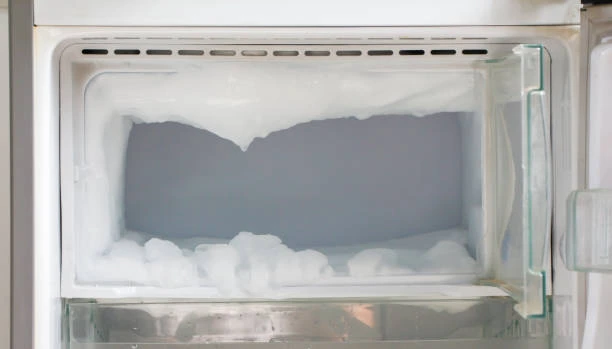
Moisture or frost buildup – Excess ice can interfere with sensor function.
Control board malfunction – Rare, but possible if other components are affected.
Step-by-Step: How to Fix Samsung Error Code 0F Yourself
If you’re confident with basic appliance troubleshooting, you can try these steps before calling for emergency help.
1. Power Cycle the Refrigerator
Sometimes the error is temporary.
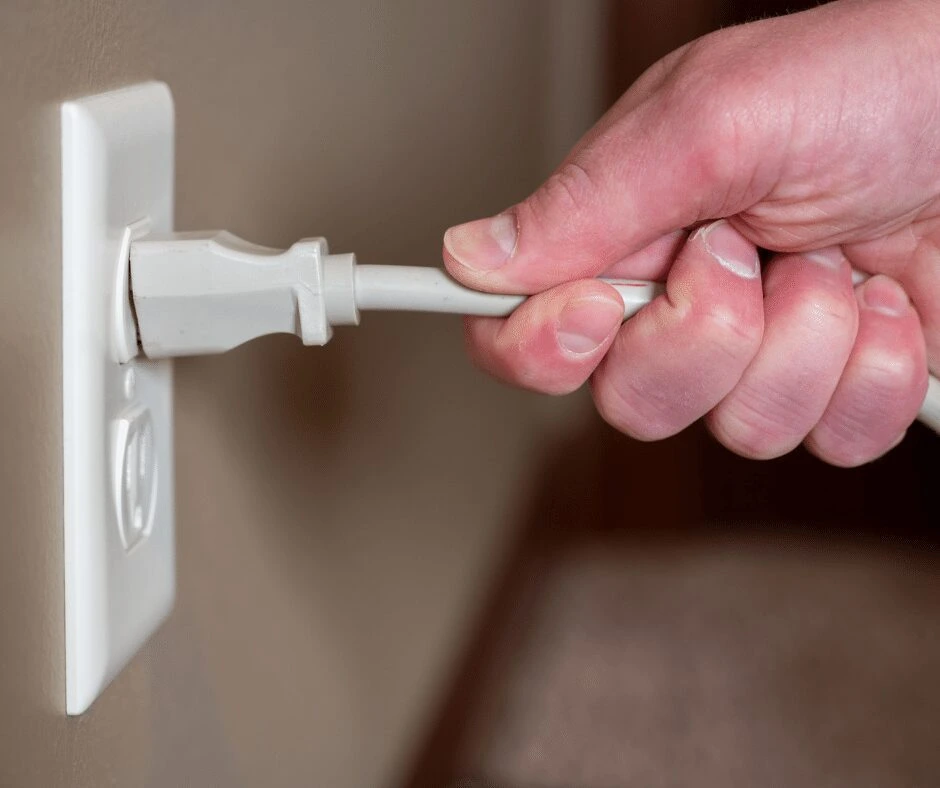
Unplug the fridge or turn it off at the breaker for 5–10 minutes.
Power it back on and see if the error clears.
2. Check for Frost or Ice Buildup
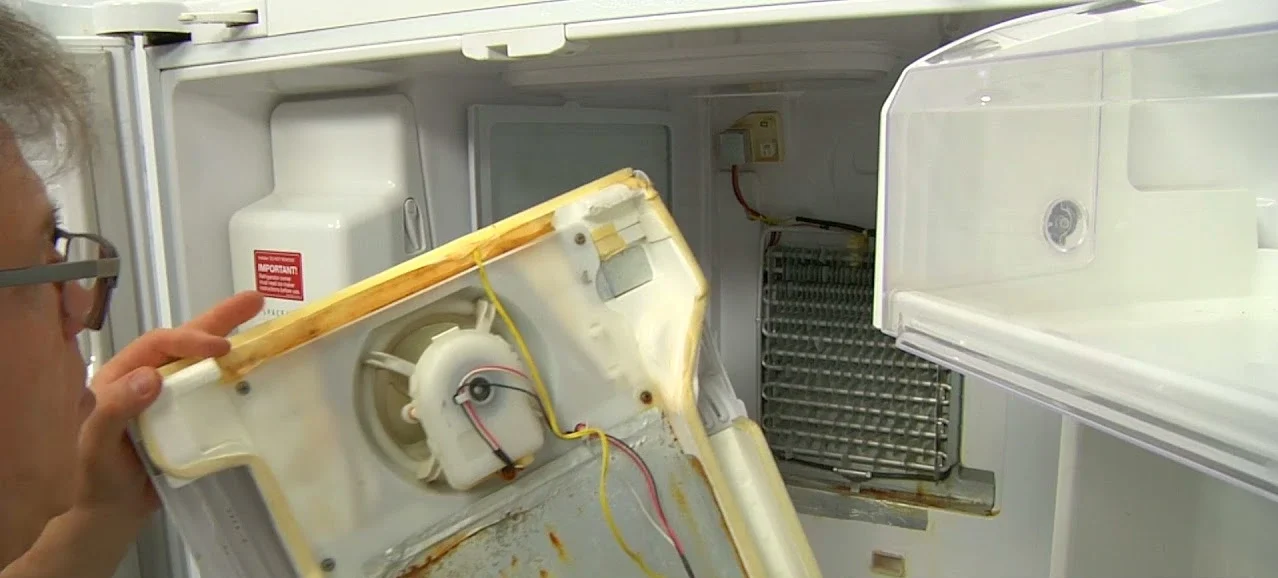
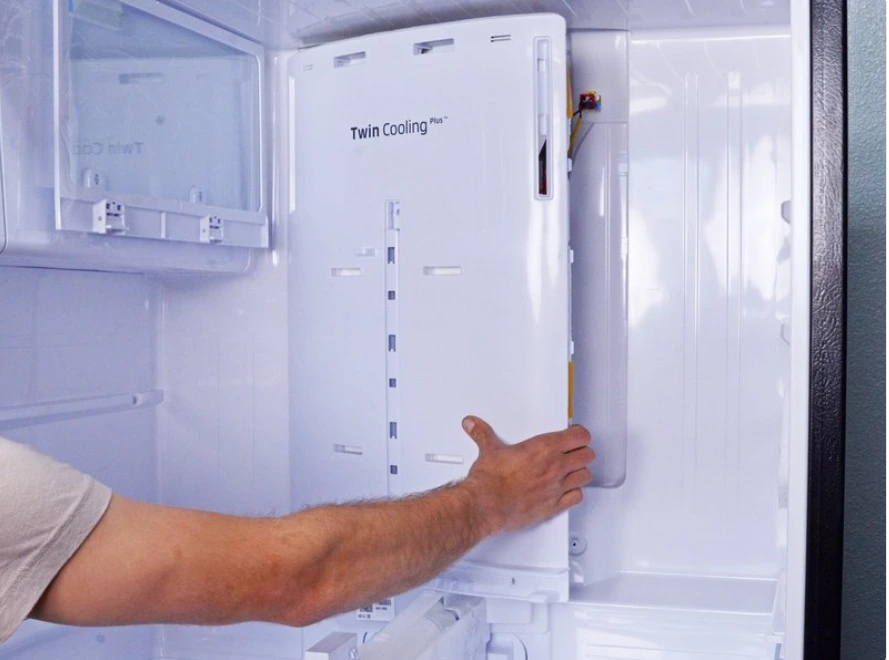
Remove shelves and inspect the back panel of the refrigerator compartment.
If there’s excessive frost, defrost the fridge by leaving it unplugged for several hours.
Avoid using sharp objects to chip away ice—it can damage parts.
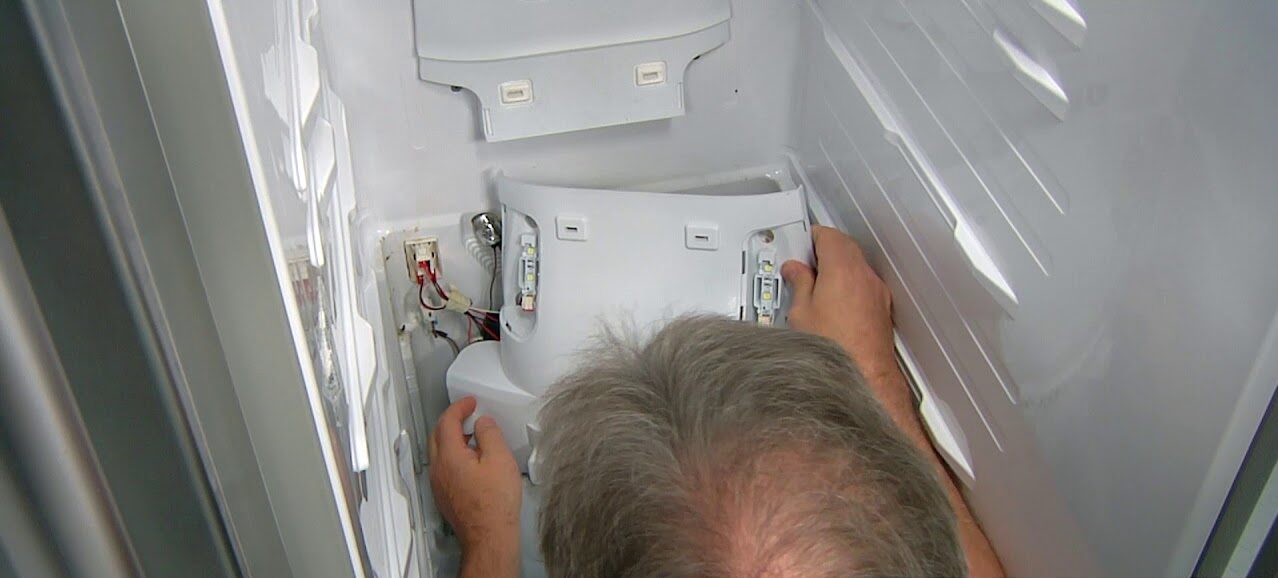
3. Inspect the Sensor Wiring
The temperature sensor is usually located behind the back panel of the fridge compartment.
Check the wiring harness for loose, frayed, or disconnected wires.
If wiring damage is visible, it’s best to contact a local technician.
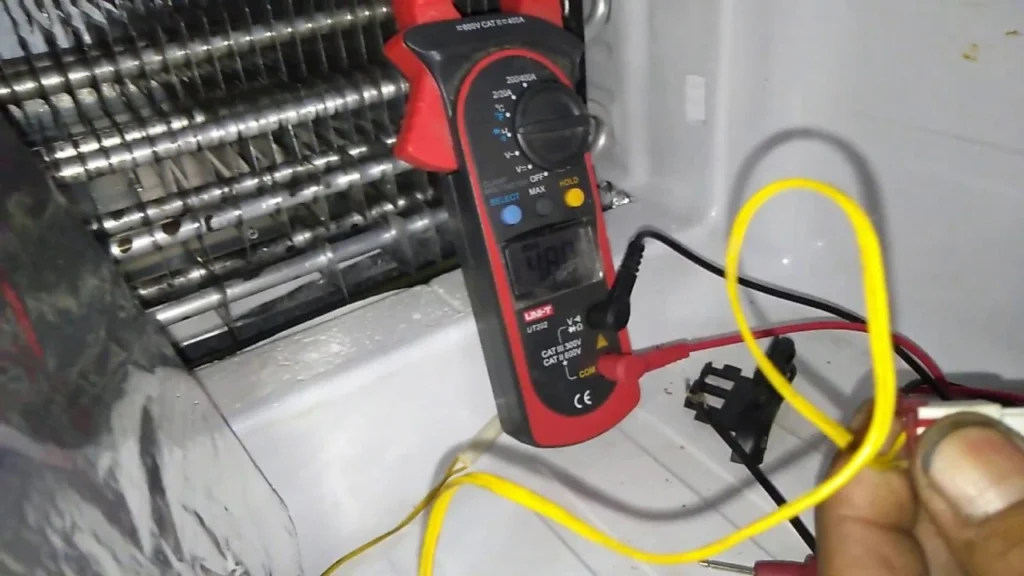
4. Test the Sensor
If you have a multimeter:
Disconnect the sensor.
Test for proper resistance (check your model’s service manual for exact specs).
A faulty reading means the sensor needs replacing.
When to Call a Professional
If the above steps don’t solve the problem—or you’re not comfortable working with electrical components—it’s safer to have a qualified technician handle it.
At Express Appliance Repair, we offer:
Same-day Samsung refrigerator repairs
Free service call with repair, so you only pay for the fix itself
The option to book online and get $25 off on all repairs!
Put strain on the compressor (which is much more expensive to replace)
If you’re searching for a Samsung refrigerator repair near me, our technicians are trained to handle all Samsung models and have replacement parts on hand for most visits.
Final Thoughts
The Samsung Error Code 0F is a clear sign that your refrigerator’s temperature sensor isn’t doing its job. While some causes—like a temporary glitch or frost buildup—are easy to handle yourself, sensor replacement or wiring issues require professional tools and expertise.
You can try the DIY fixes above, but if you’re still seeing the error, save yourself the stress and book a same-day repair with our team. With fast service, transparent pricing, and thefree service call with repairpolicy, we make it easy to get your fridge running perfectly again.

 Request Service
 (647) 492-7773
